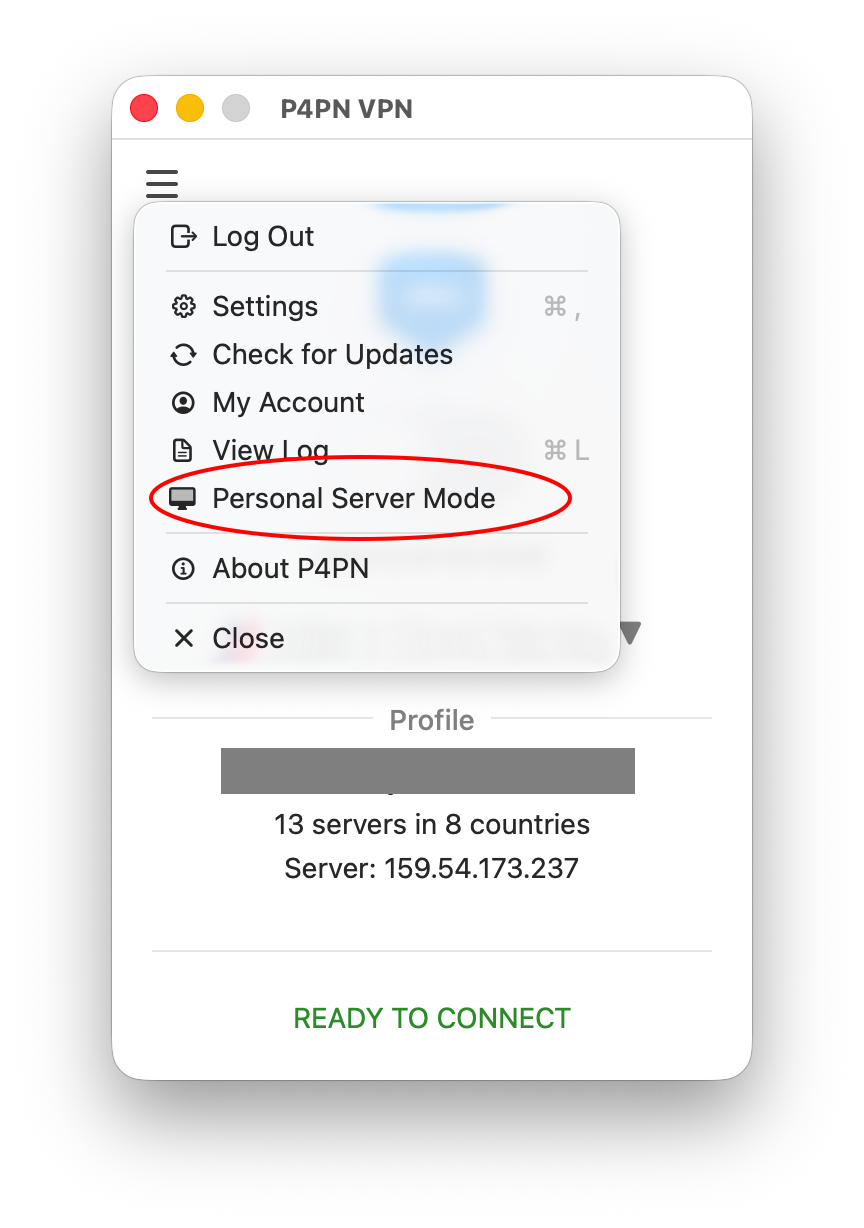
A personal server doesn't have to be rented in the cloud — it can be the Mac or Windows computer you already have at home. Open the app menu (☰) and choose Personal Server Mode — see the steps below; no technical knowledge needed.
You live where the internet is open and want to give others a way through it — your family, your friends, or simply anyone who needs it. Who can use your server is your choice, changed with one click.
Best for: helping people in a censored country through your home connection.
Connect safely to the devices on your home network — a file server, a printer, cameras — from wherever you are. This is a separate setting: your server can let people out to the internet without letting them into your home network, and that is how it starts.
Best for: getting to your own things at home while you travel.
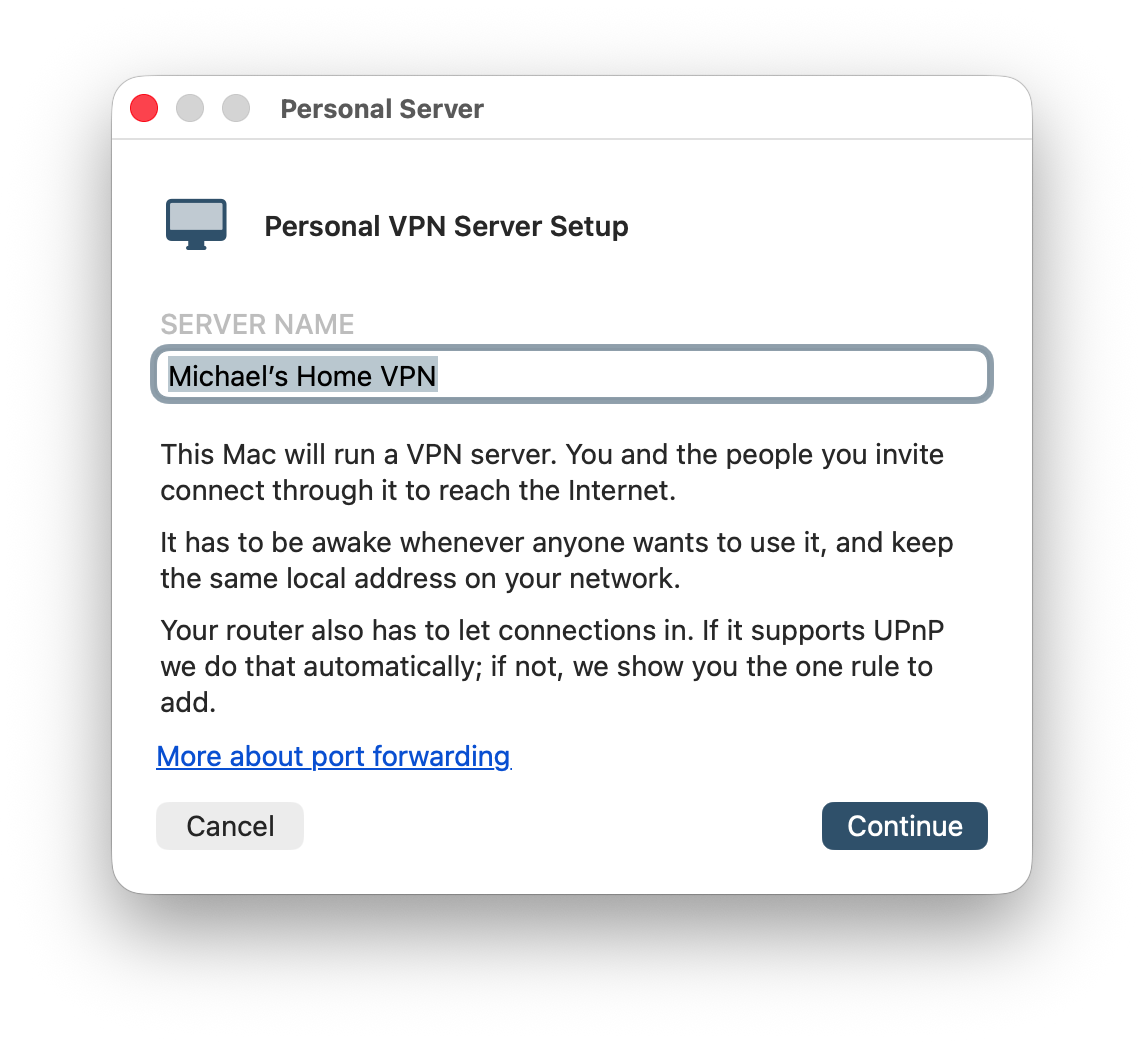
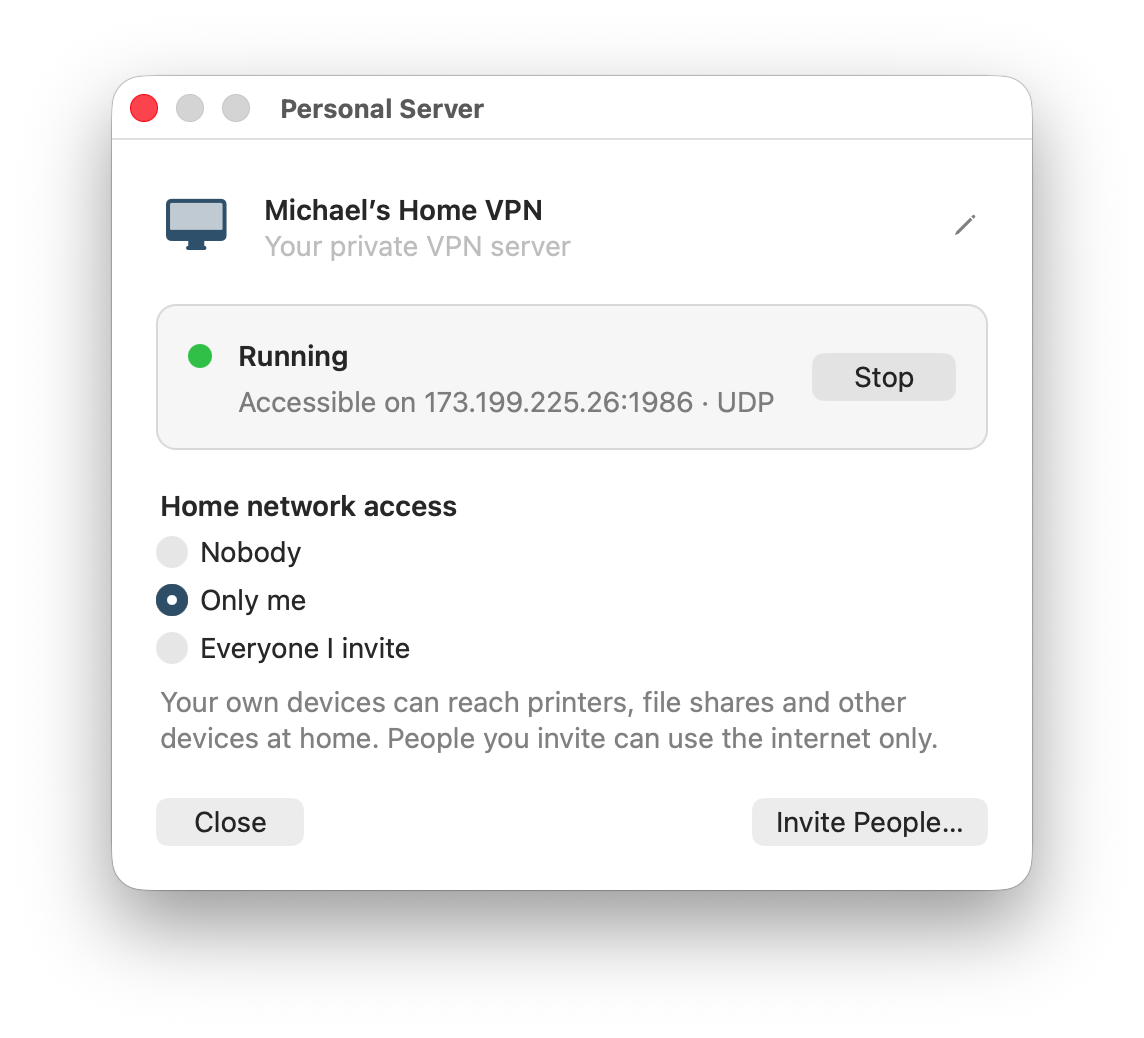
Once it is running, the server shows up in your server list automatically. Only you and the people you invite see it. To use the VPN on this computer again, choose VPN Client Mode in the same menu.
Please give it a try and tell us how it went.
A home server for Linux and Raspberry Pi — aimed at more technical users.